Your library, plain and simple.
Books, magazines, movies, albums: anything with a cover. Photograph them with the iPhone. Couvertures reads the barcode or the cover, finds the edition in the major catalogues, and puts everything in a library you can browse at a glance. You know what you own, and which box it is in.
Local · Free · No account · No subscription · No ads
An iPhone is enough: the library can live on the phone, with a copy in iCloud Drive. With a Mac, it settles on the computer, and the iPhone sends it the books. First install TestFlight, Apple’s app for betas. The link does the rest. Android and Windows are on the workbench.
Scan anywhere, store at home.
On the iPhone alone, everything happens right there, even without a network: scanned books wait, and their search starts again by itself. With a Mac, the iPhone finds it on its own over Wi-Fi, sends it the books, and carries the whole library to browse anywhere.
At home, on your Wi-Fi
The iPhone
It photographs the books and carries the library everywhere.
The Mac
It keeps the library and its photos.
Fifty books in a row.
Scan the barcode on the back, or photograph the cover: each book goes off to be looked up while you move on to the next. Say “Box 4” once, and every book of the session is filed there. No barcode? Dictate the titles, one after another.
You confirm, Couvertures files.
Each photo comes back with the book it recognised, its cover and its edition. Sure matches are added in one click, all together. For the others, other editions are offered; you choose the online cover or your own photo.
Bring them back out.
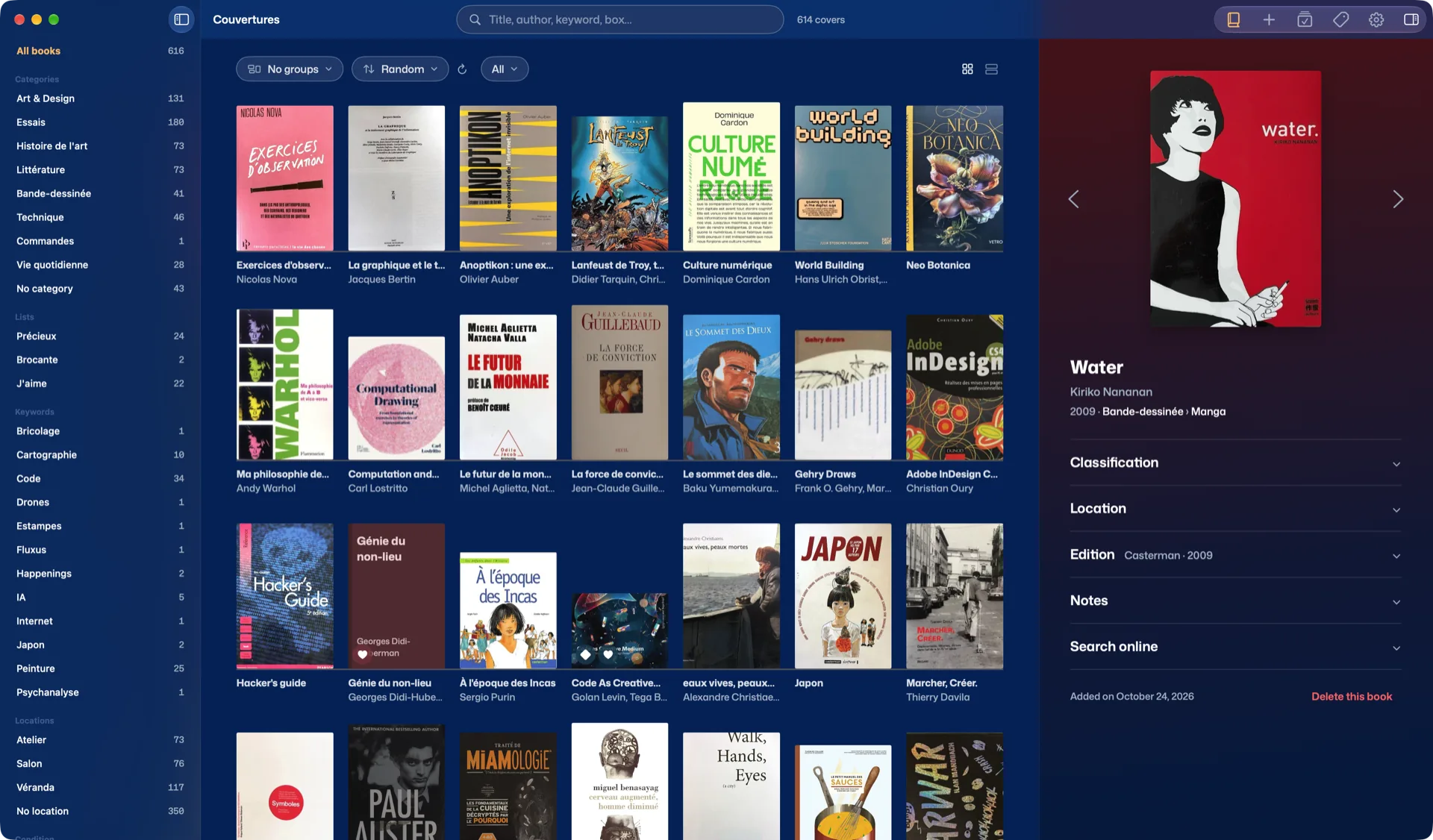
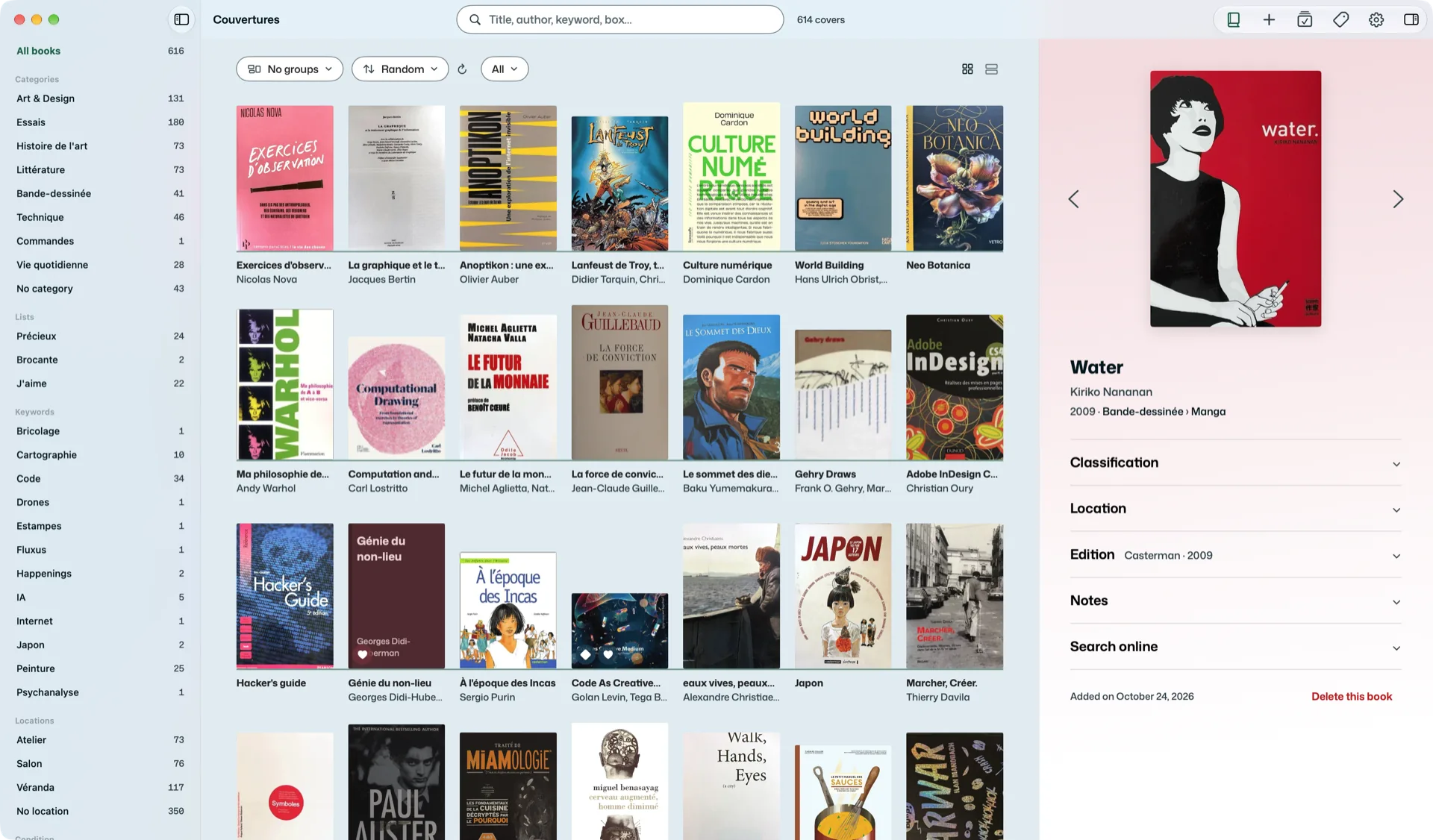
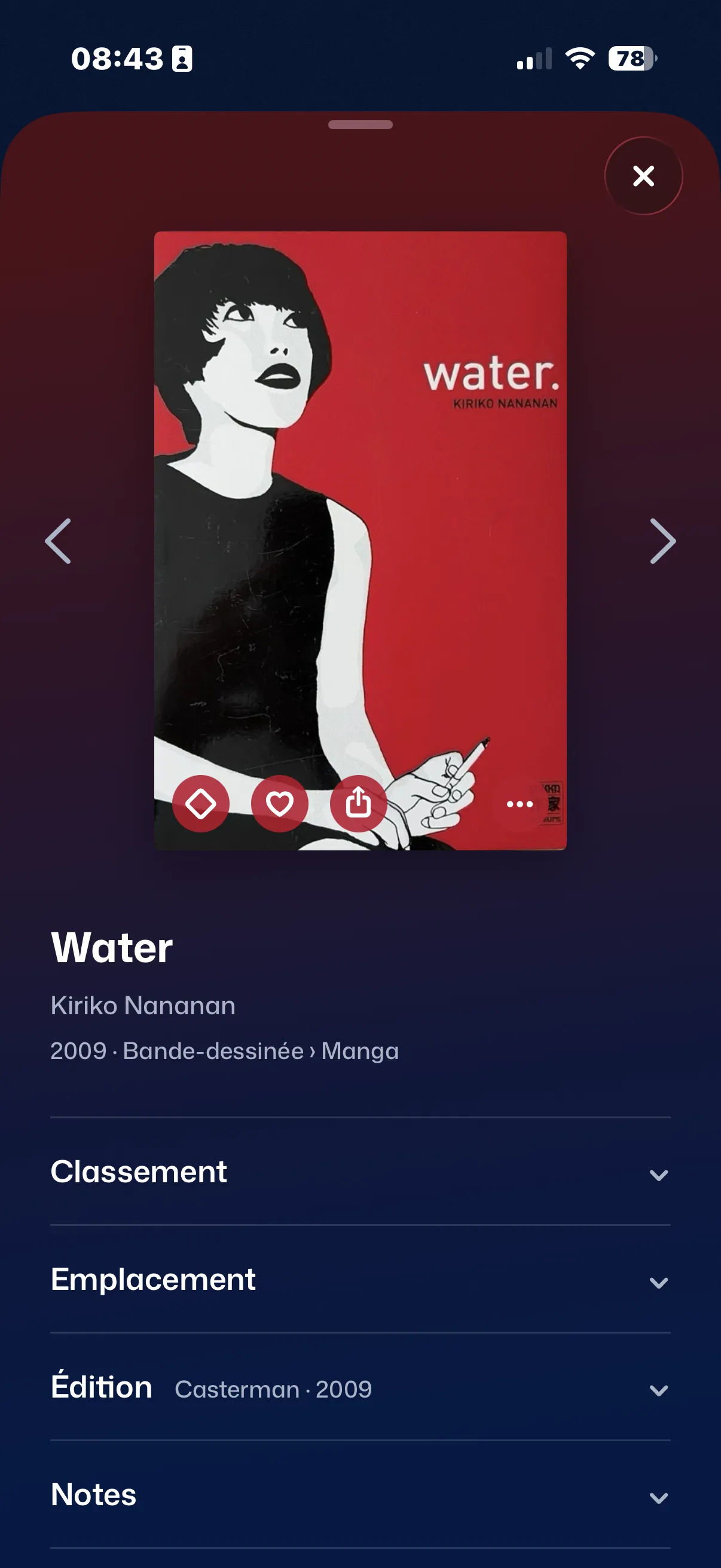
Your books by their covers, in a grid or on shelves by category. Sort at random to stumble on a forgotten book, by colour for the pleasure of it; on the Mac, by author too, when you need to find one. A heart for the ones you love, a diamond for the precious ones. A book drawn at random is waiting when you open the app.
Let them breathe.
On the Mac, pinch the trackpad to make the covers larger or smaller, and spread them apart to give them room. Prefer them in groups? Switch to shelves: one per category, scrolling sideways.
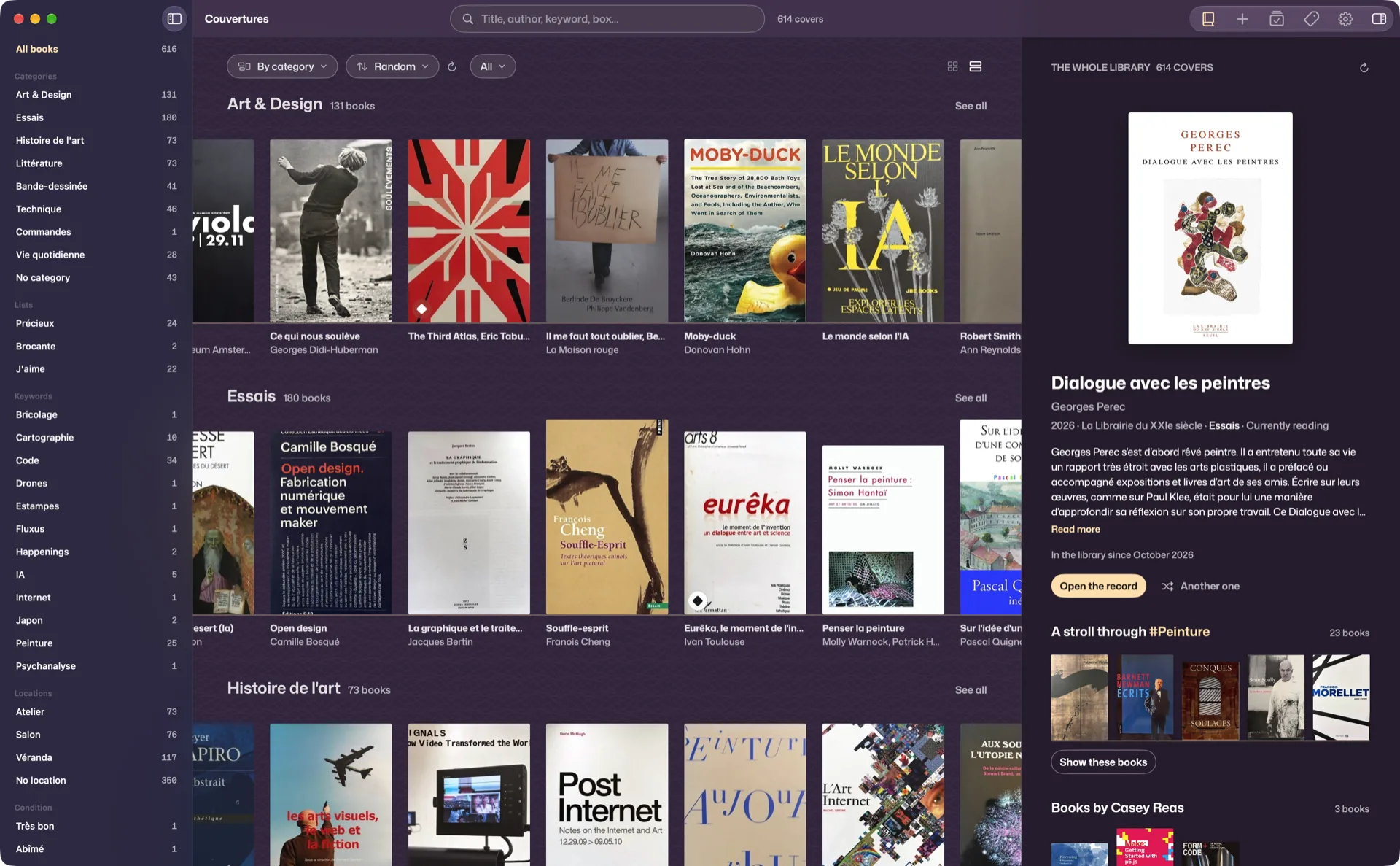
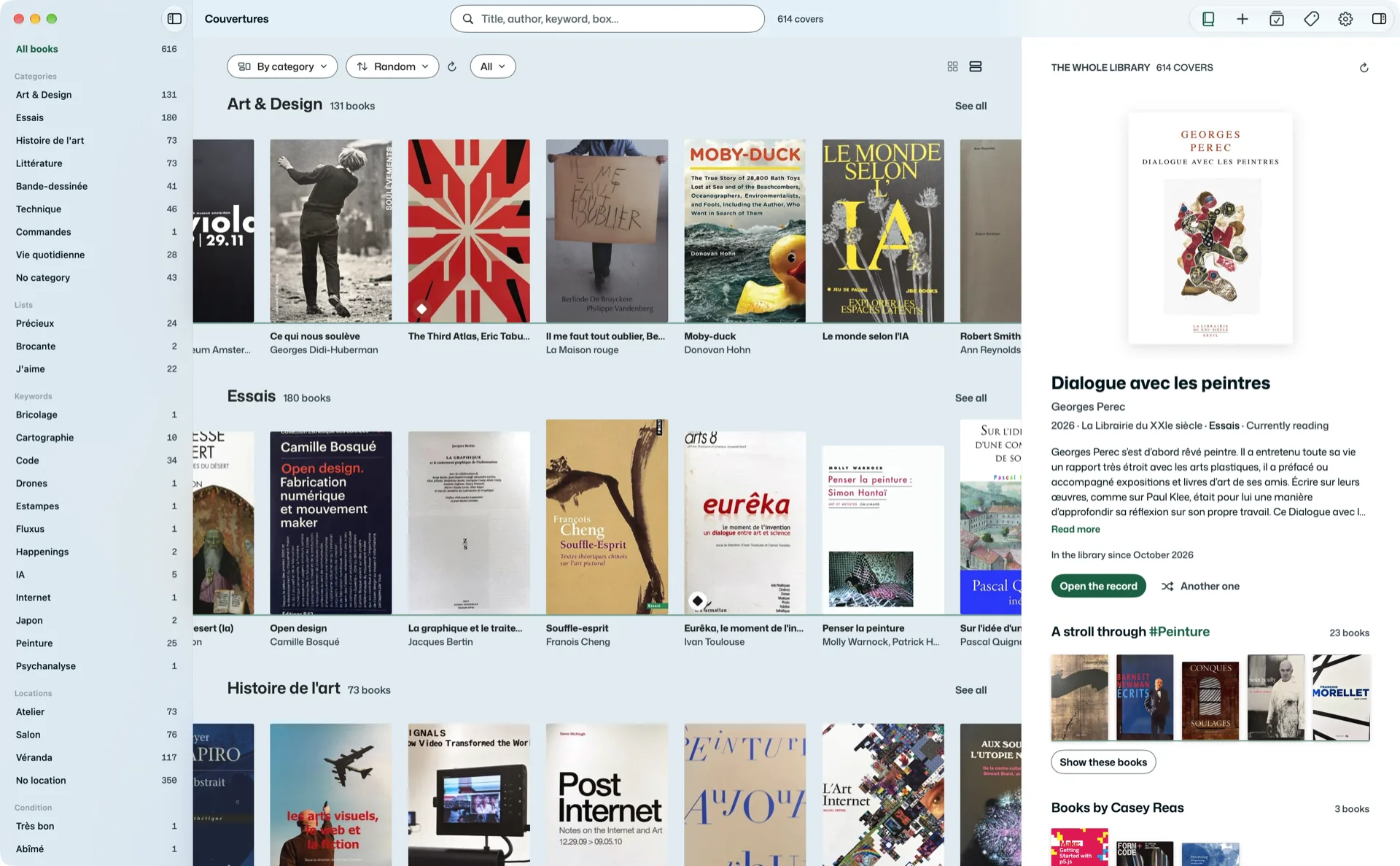
The colour spreads…
The colour spills over from the cover and tints the whole record: a treat for the eyes. Title, authors, publisher, year, summary. Where it is, in what condition, who you lent it to and since when. Whether you have read it, and when. Your organisation and your notes. Everything is edited in place, and nothing you wrote changes when you correct the edition.
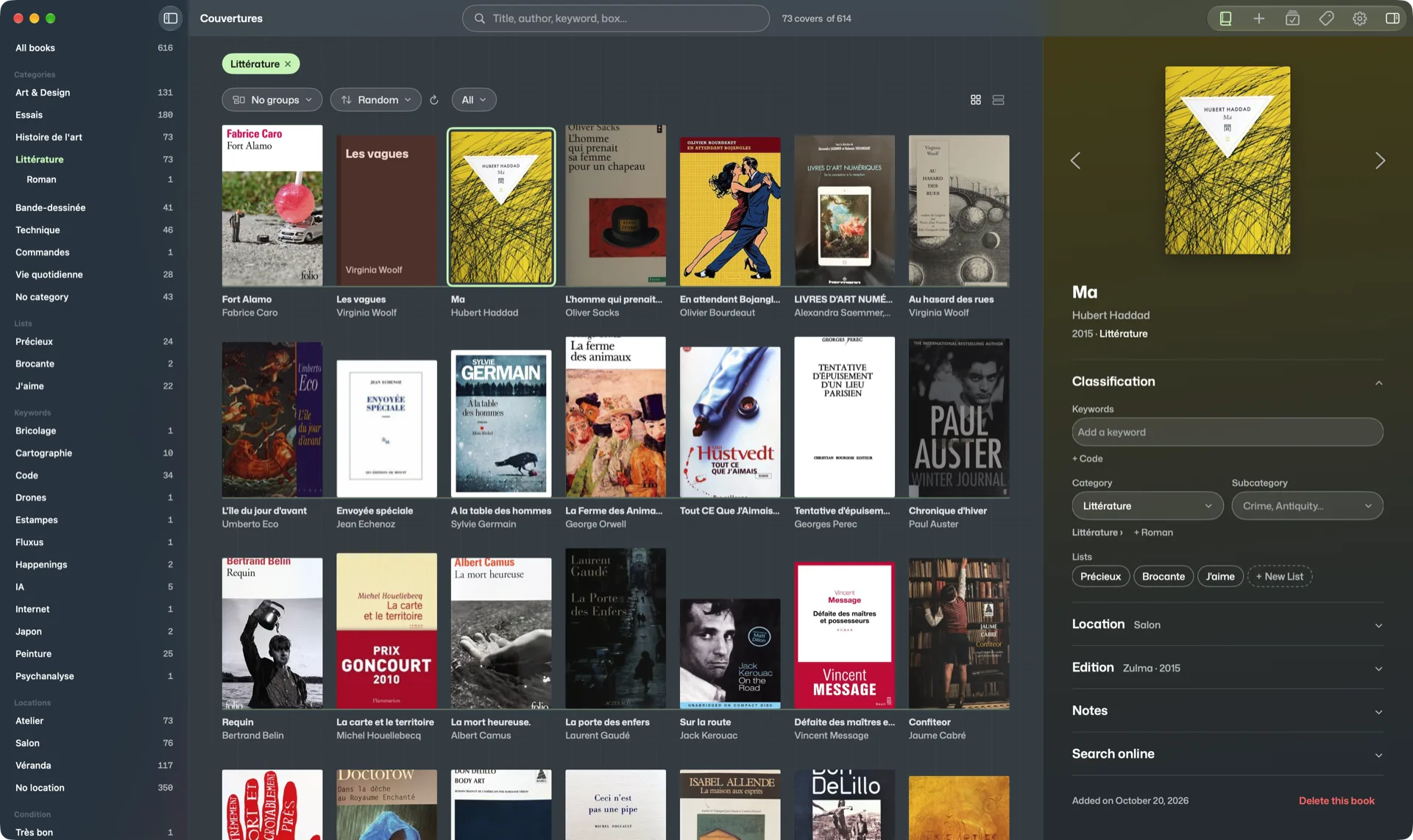
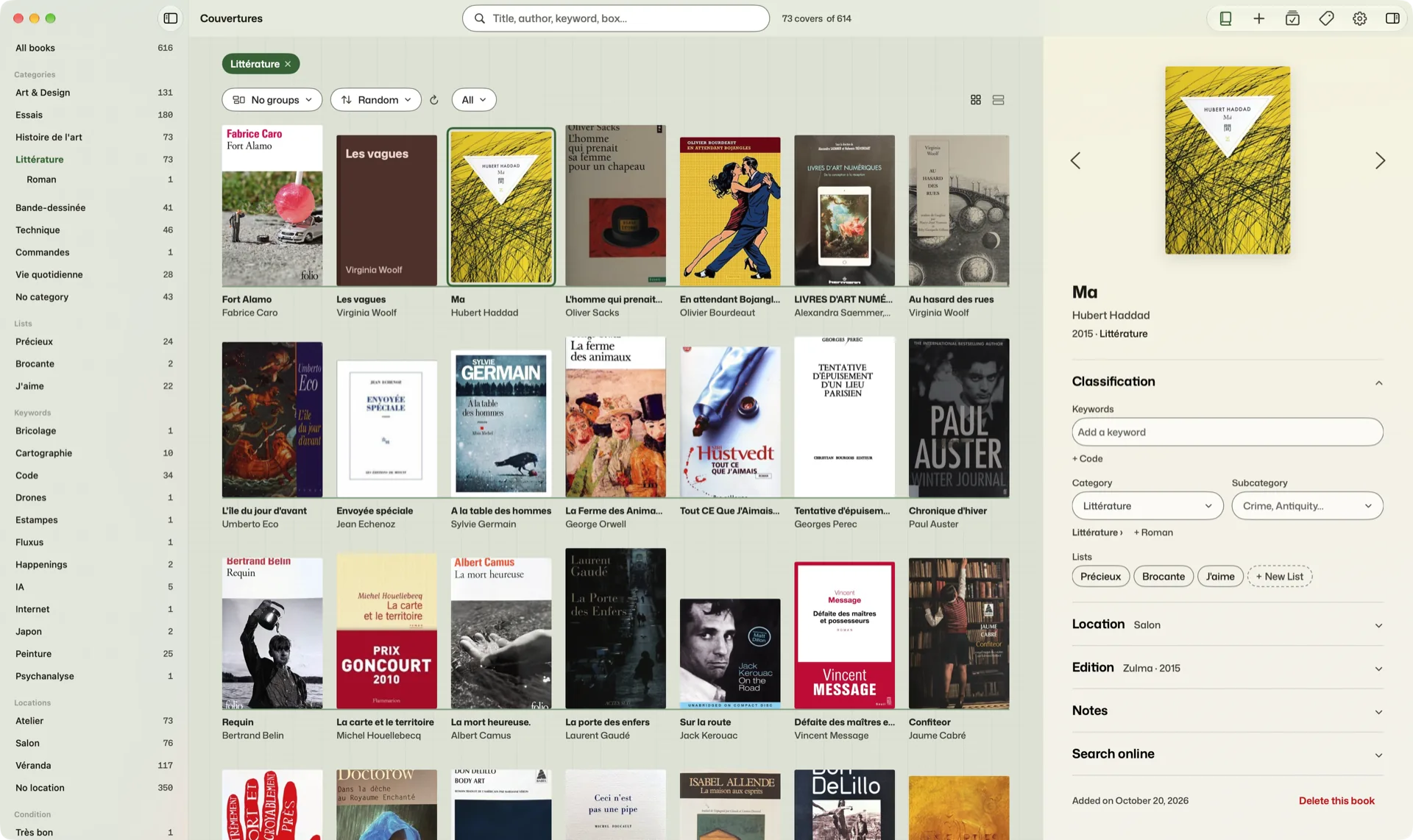
Organise it your way.
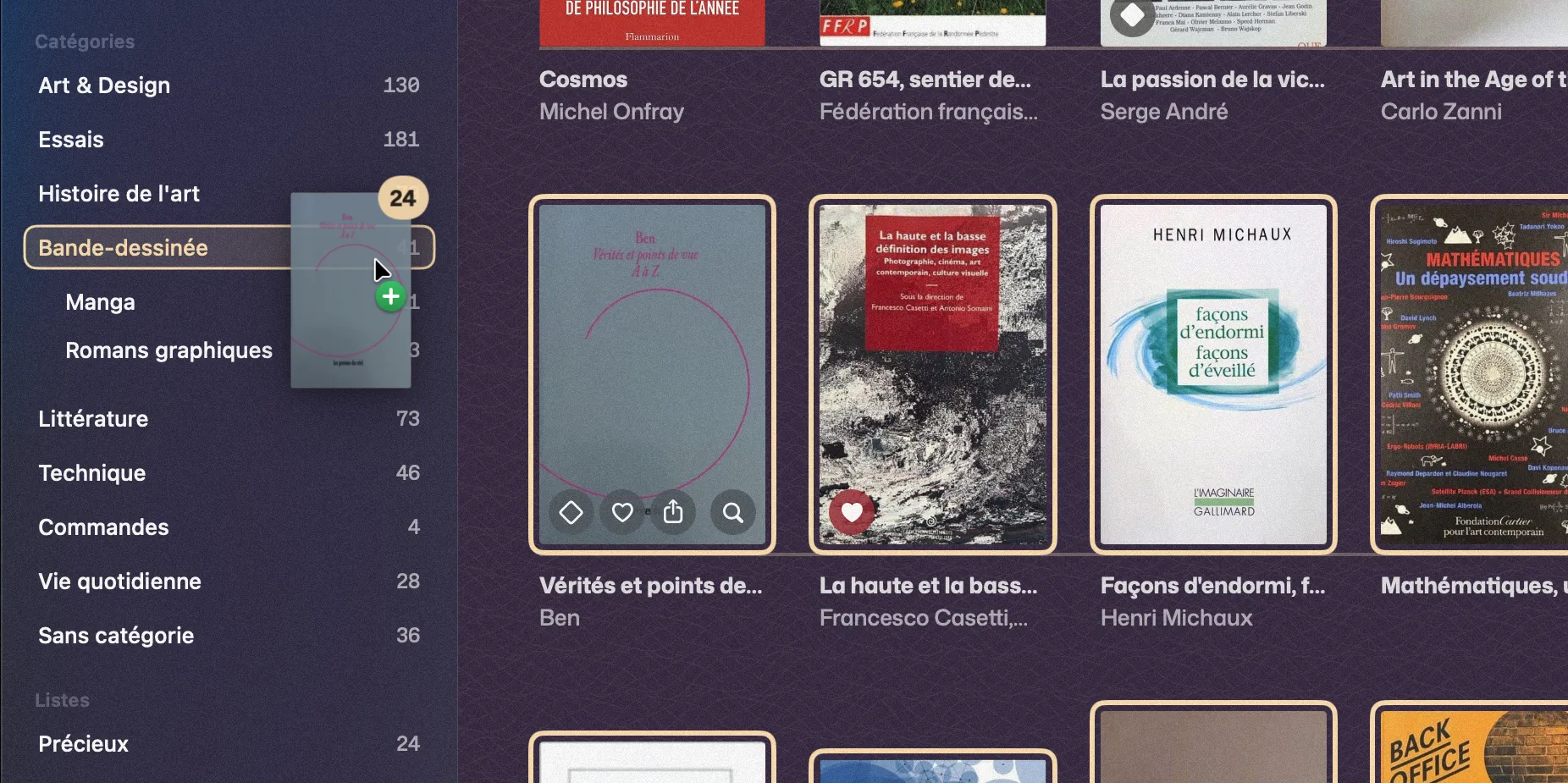
Categories and subcategories, locations, conditions, lists (“Precious”, “Loved”, your own), keywords. Drag a book, or fifty, onto a filter to file them. Rename, merge, move: before touching your books, Couvertures says how many are concerned, and “Undo” puts everything back.
Your magazines, movies and albums too.
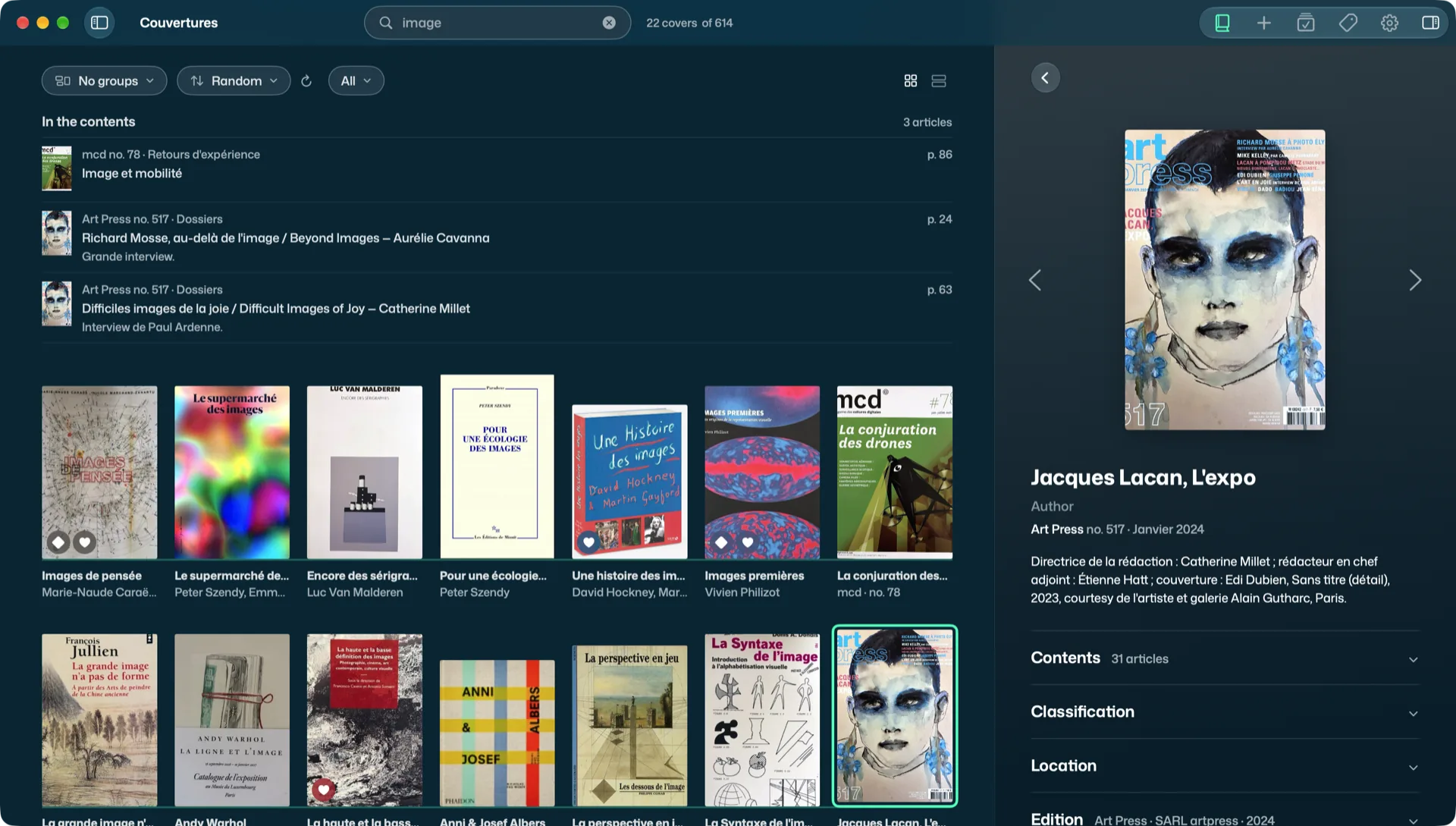
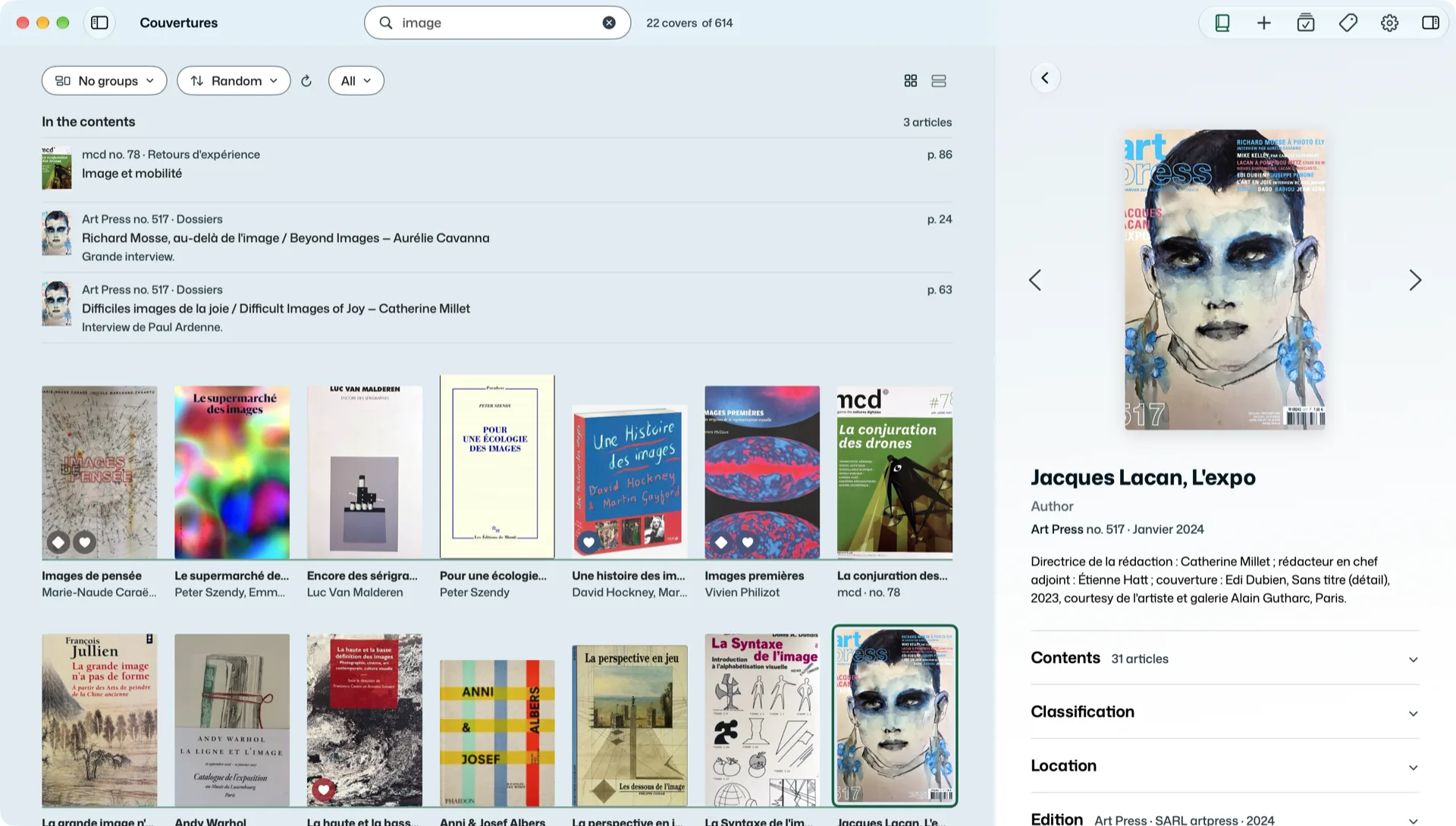
Art, photography, computing: scan a magazine’s barcode, Couvertures reads its issue number. Photograph the contents, the AI turns them into a list of articles. Issues are stacked by magazine, next to the books or on their own, and search finds an article in all your contents. Learn more
Scan the barcode of a DVD or a CD: Couvertures finds the movie at TMDB, with its poster and overview, and the album on MusicBrainz, with its sleeve. No barcode? Photograph the case or dictate the title. They go into Movies and Music, at their own proportions: a square CD, a DVD case. One swipe of the finger takes you from books to music. Learn more
Do I already have it?
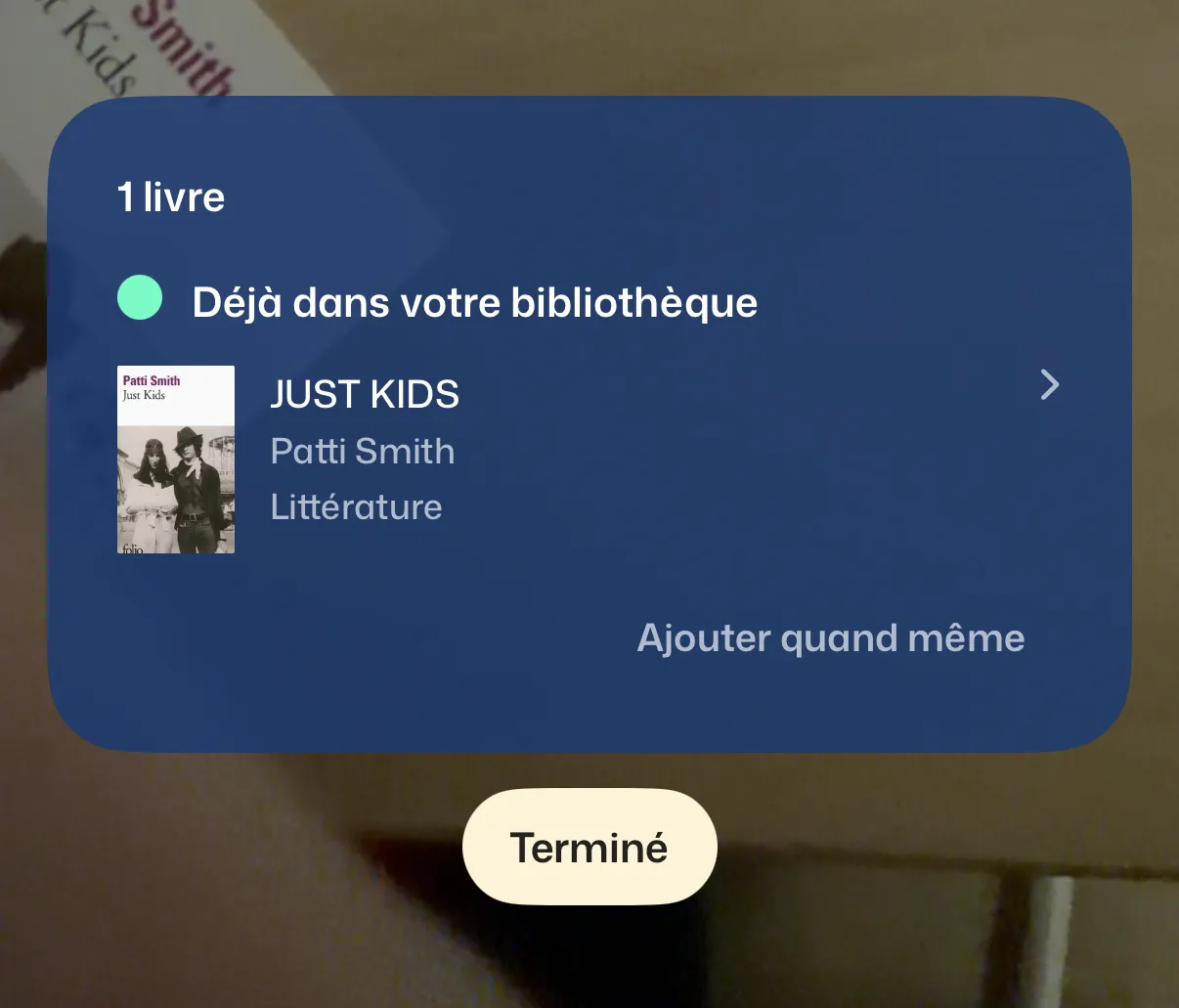
At the bookshop, far from home and without a network, scan the barcode of a book. The iPhone answers with your copy, its category and its location, or offers to add it.
Pass it on.
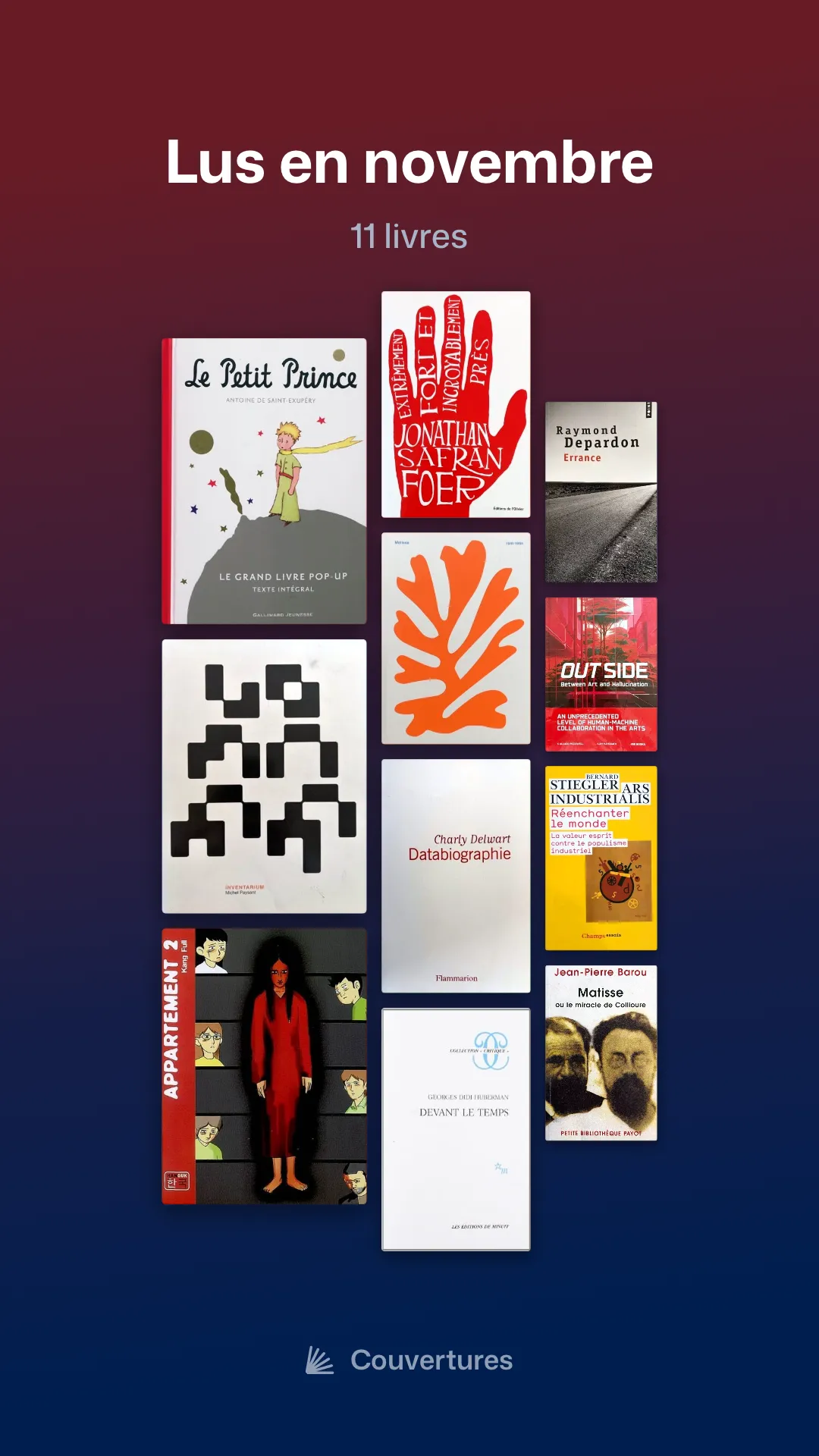
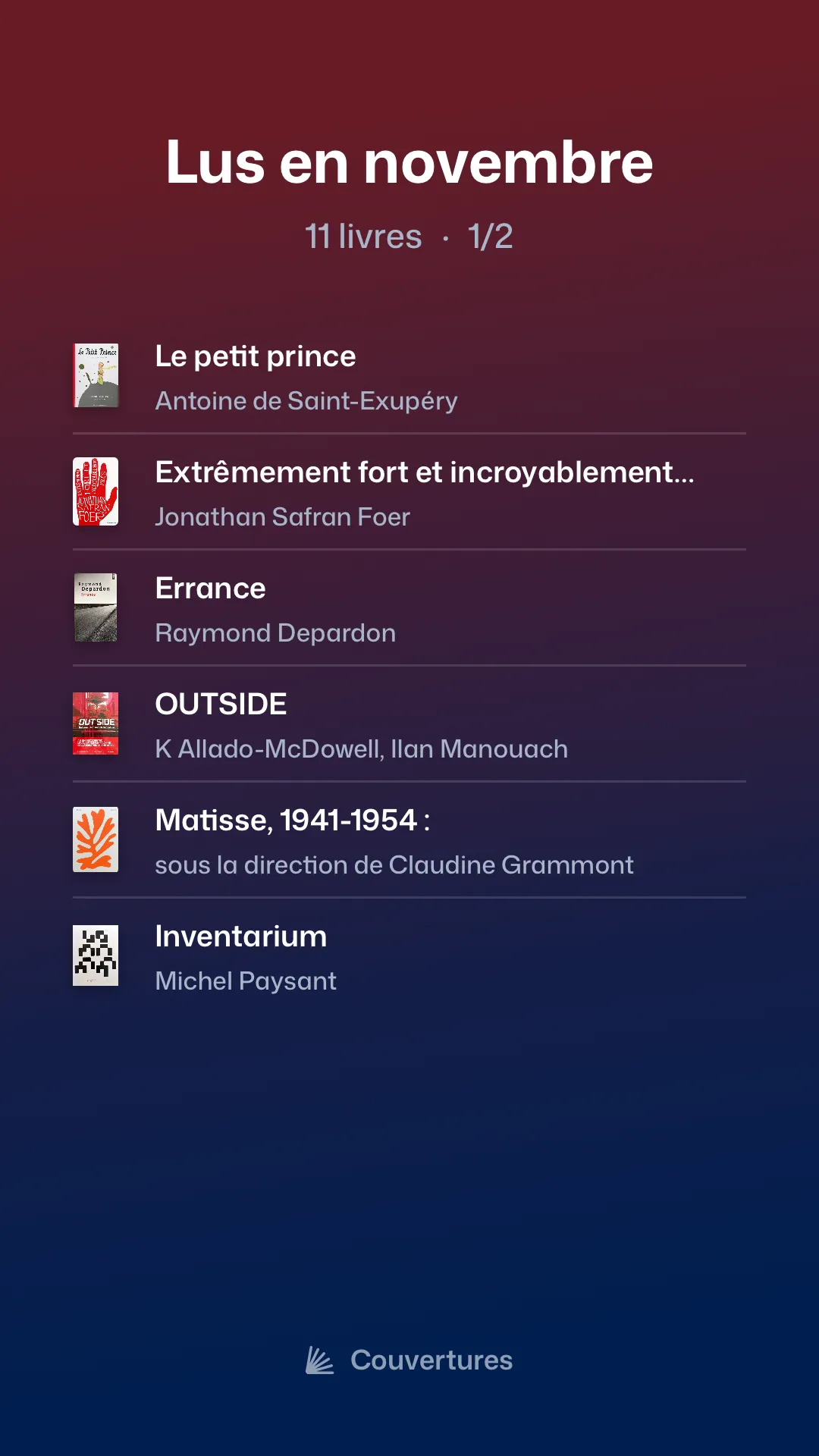
Share a book, or a whole selection, as images in the colours of your covers: story, square or landscape. A selection lies on a table, hangs on the wall or lines up in a list. Add a word, signed with your name. Only what shows on the image leaves: never where the book is, nor who you lent it to.
Step back.
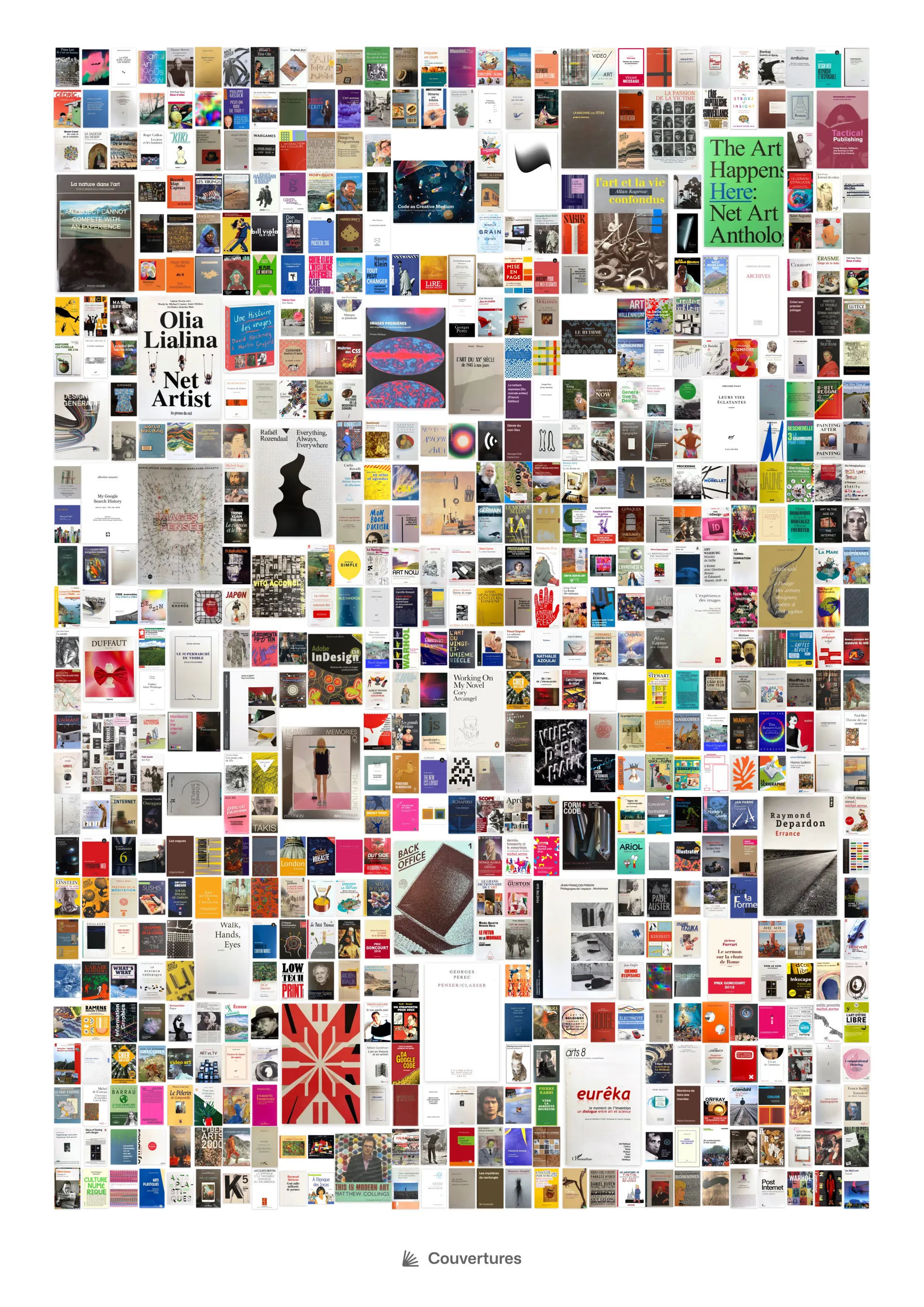
Lay the whole library, or a single filter, on one large sheet to print, from A3 to A1. Your favourite books large, the others around them, at random or by colour. Unexpected neighbours answer each other, families take shape: seen together, your books tell another story. On the Mac, File > Create a Poster… Learn more
Your data stays with you.
The library is a folder on your iPhone or on your Mac: a database and your photos. No account, no server of ours, nothing collected. Automatic backup to your iCloud Drive or wherever you like, export as CSV, JSON and in Goodreads format. To read covers, Apple Intelligence, on the device itself, or an AI of your choice: Claude, OpenAI, Ollama on your Mac.
At home
Your Mac
The library: a folder, a database and your photos.
Elsewhere
No server
No account, no cloud, nothing collected.
A matter of mood…
Thirteen colour schemes, dark and light. Five languages; your books themselves are never translated.
Petrol, dark
Free, no ads, no account.
Couvertures is free, with no in-app purchase. No ads, no account, no subscription, no data collected. Your books stay in an open format: you do what you like with them. And if Couvertures ever stops, its code will be published under a free licence. Why, and how?